Simple mode
A new business starts with just Quotes, Jobs, Schedule, Invoices and Clients, plus the Dashboard, Max and Settings. Nothing else to learn on day one.

Get started
Sign up, let Max set you up, and bring your clients across. Most of it fills itself in.
Step 1
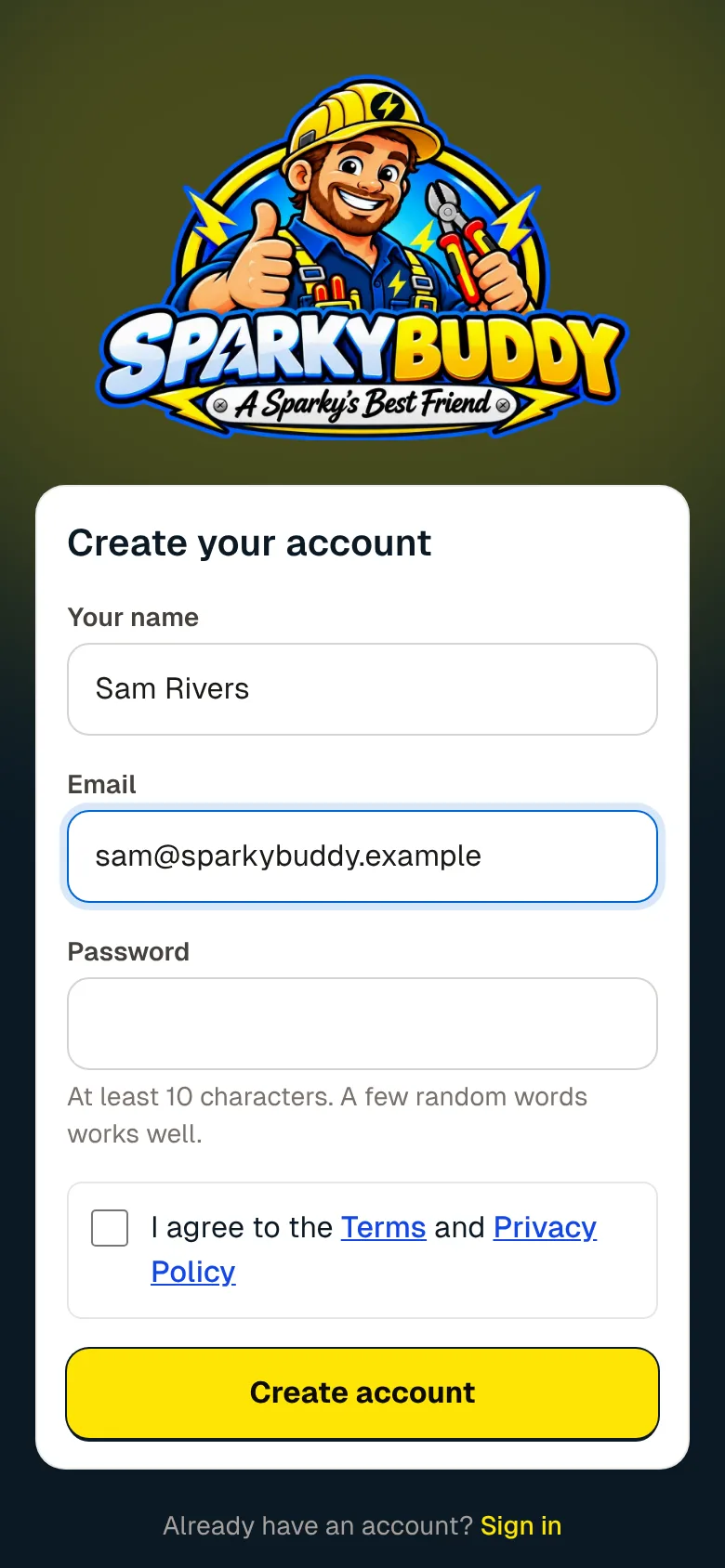
Your name, your email and a password. Confirm your email, then add your business: your ABN fills in the name and GST for you. Tick that you hold a current electrical licence, and you're in.
Step 2
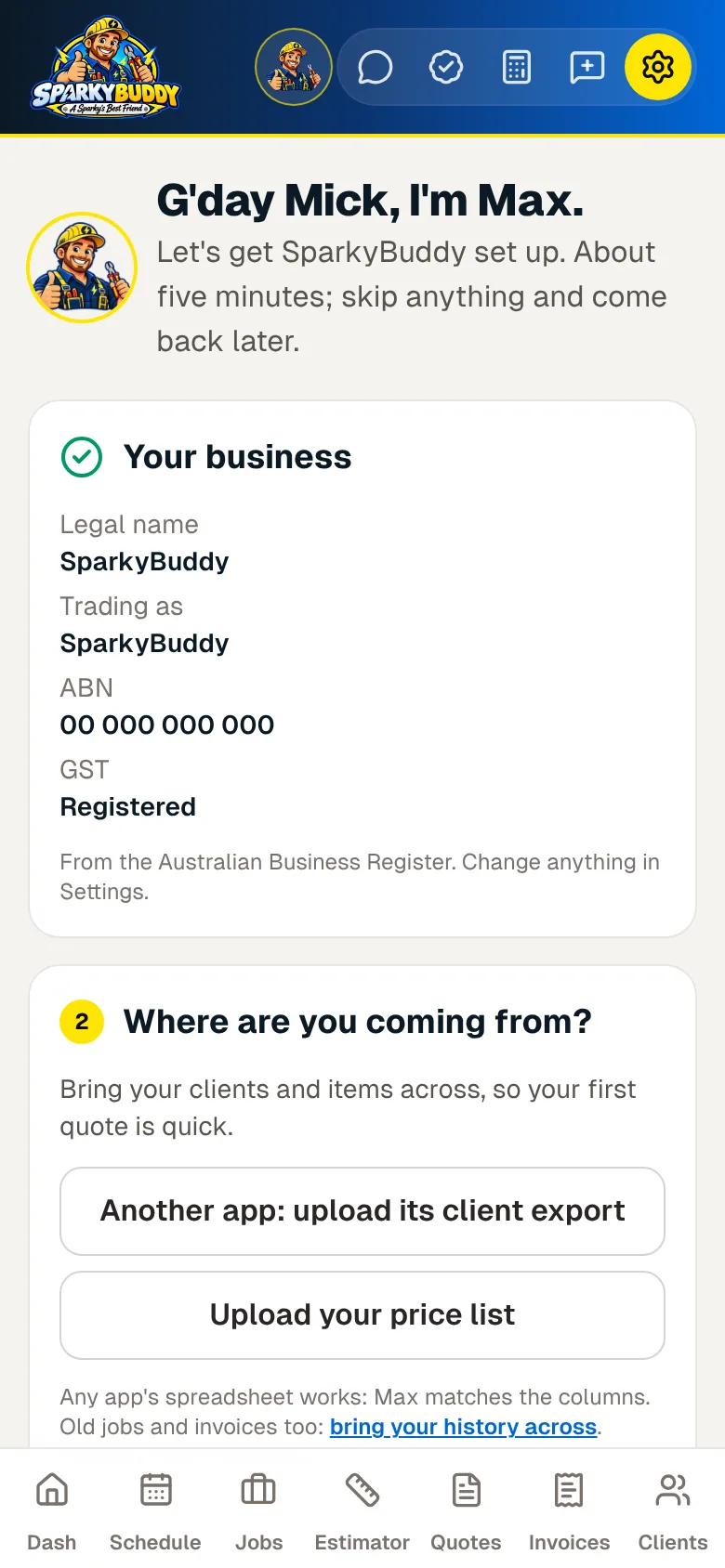
Straight after sign-up, Max walks you through six short parts. About five minutes. Each one saves on its own, and anything you skip waits on your Dashboard.
Type your ABN and SparkyBuddy looks it up on the Australian Business Register: your legal name, trading name, state and whether you're registered for GST.
Bring your clients and items across, so your first quote is quick. Starting fresh? Skip it.
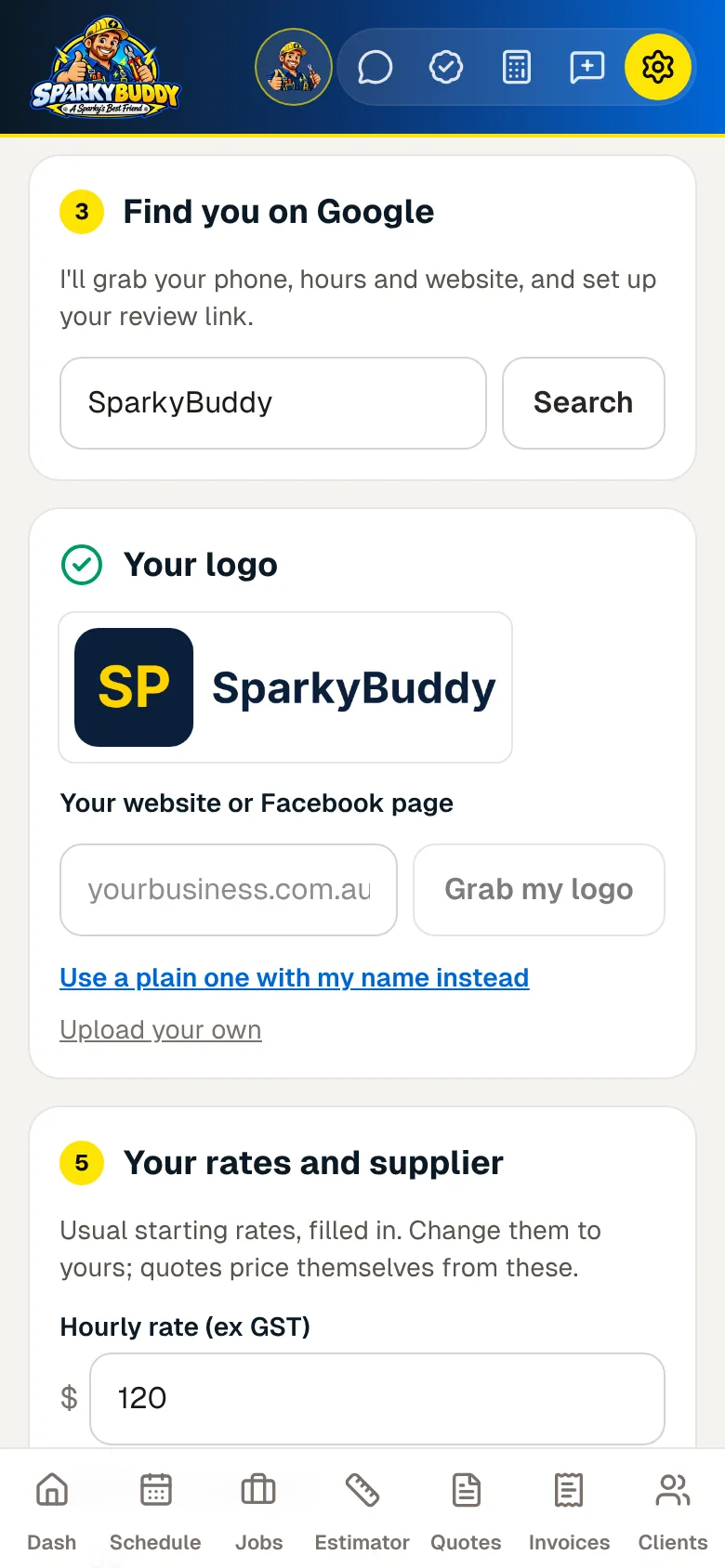
Search your business name and suburb and tap That's me. Max grabs your phone, hours and website, and sets up your review link.
Max grabs it from your website or Facebook page. No logo? He makes you a plain one with your name, and you can change it any time.
Usual starting rates are filled in. Change them to yours, pick your main supplier and get their price file sent each week.
Your licence number and how you get paid: BSB and account, or PayID. That's it.
Moving from another app
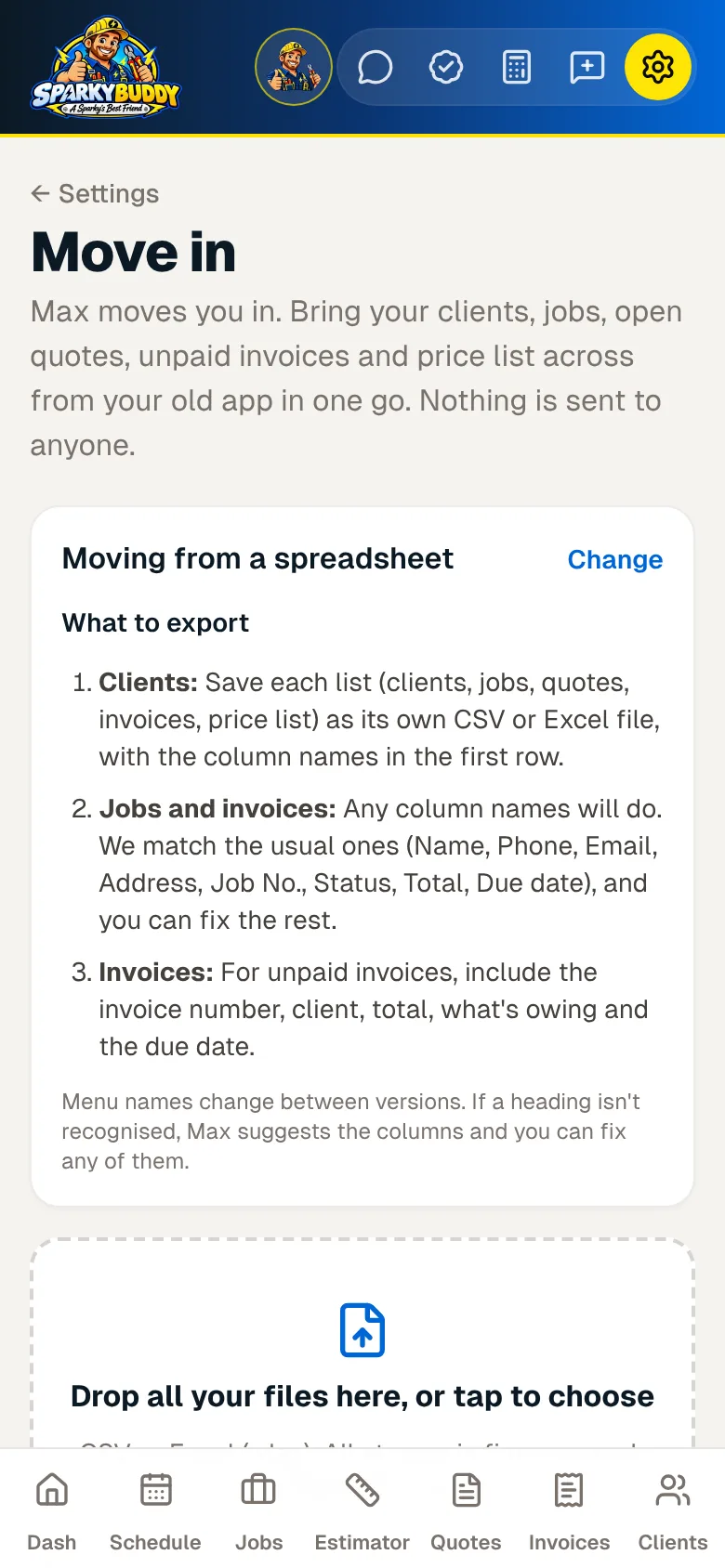
Export from your old app, then drop every file onto Move in at once. Max works out what each file is and matches the columns. You check the summary, then bring it all across.
Any app's spreadsheet works, CSV or Excel. Pick your old app and Move in shows you what to export from it.
Run it twice and nothing doubles up: records already brought across are skipped. Nothing is sent to anyone.
New to running a business?
Going out on your own is enough to think about. SparkyBuddy starts simple and grows with you.
A new business starts with just Quotes, Jobs, Schedule, Invoices and Clients, plus the Dashboard, Max and Settings. Nothing else to learn on day one.
The Get set up list on your Dashboard goes step by step, from your business details to your first quote. Each step ticks itself off once it's done. Once you've made your first quote, Max offers the next thing worth turning on, one at a time. Say Not now and he moves on.
Your ABN, your Google listing and your website fill in most of it. The Get set up list is about 10 minutes all up:
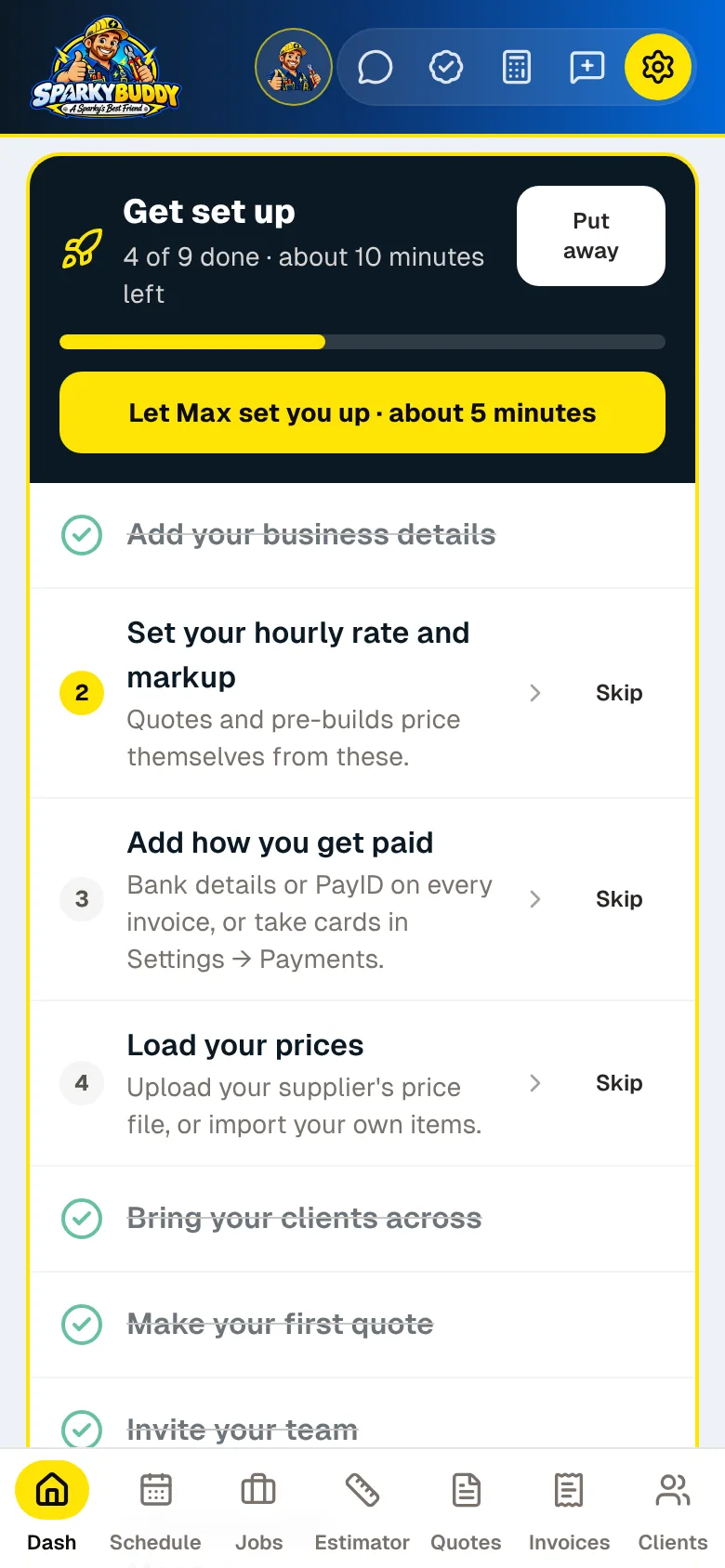
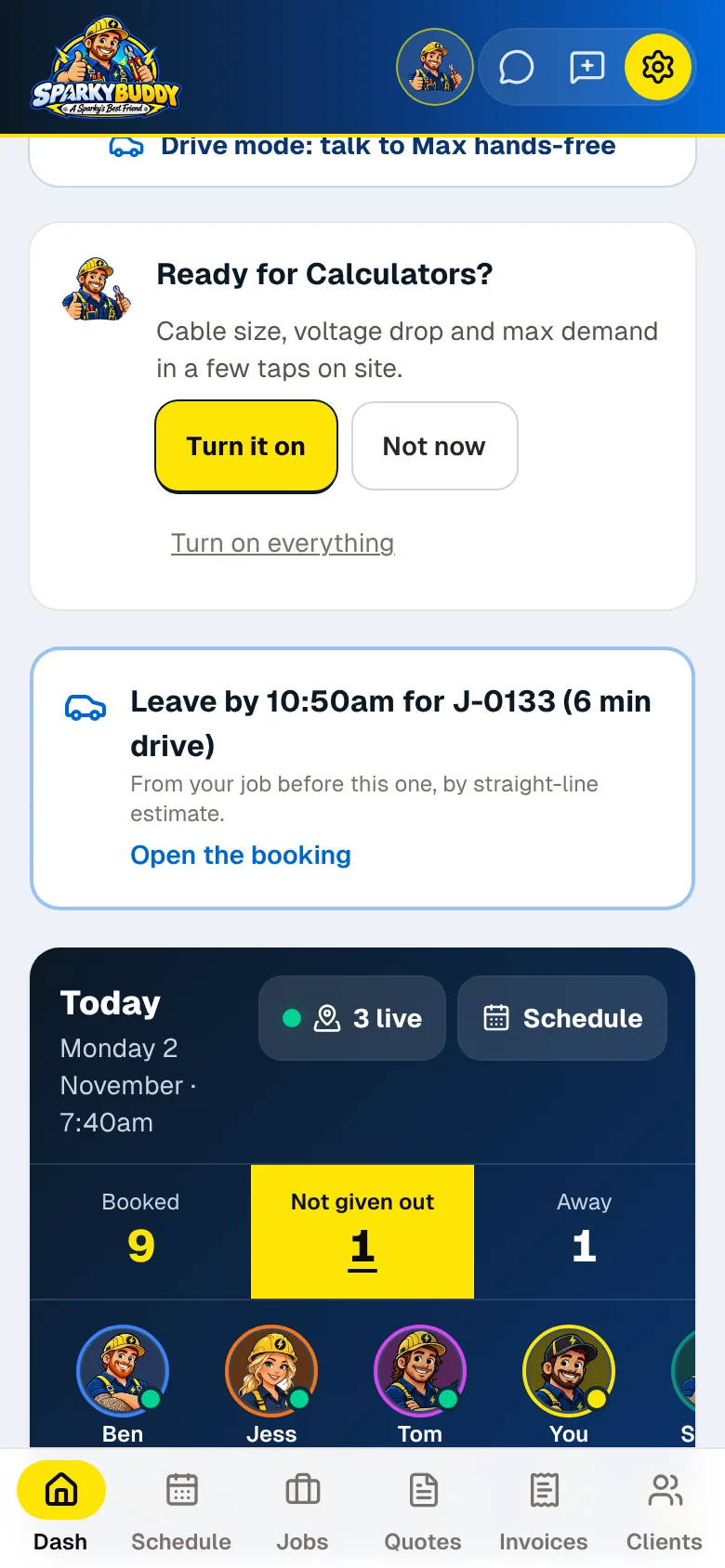
Screens from the app, with the made-up business SparkyBuddy and made-up customers.
SparkyBuddy is launching soon and free during early access. No card needed. Bring your clients across in minutes.